For solo consultants on a budget, Clockify is hard to beat on price. Toggl gives you better rate control, and Harvest has the shortest path from tracked time to a paid invoice. But the right choice depends on your whole client workflow, not just time tracking and invoicing.
15% of chargeable consulting work never makes it onto the client's bill.
Yikes.
But that is not all a widely cited London Business School study found.
22% of people surveyed reported recording less than 70% of their time on client work, meaning more than 30% of their billable hours simply disappeared.
Poof! Gone! Never to be seen again!
Forgetting to bill, or billing inaccurately, will break any consulting business. It is why a time-tracking tool matters so much, and it leads many consultants to weigh up the pros and cons of Toggl vs Harvest vs Clockify, three of the most popular tools on the market.
However, "popular" does not mean right for a consultant. You need time captured the way you charge for it: in the right increments, at the right rate per client, and with built-in invoicing.
To help you compare, we have broken down all three tools, how each one serves consultants, and the speed bumps you need to account for along the way.
Toggl vs Harvest vs Clockify: a quick comparison
Short on time? Here is how the three tools stack up on the features that matter most to consultants.
| Clockify | Toggl | Harvest | |
|---|---|---|---|
| Price | Free, then from $5.69/user/month | Free, then $10/user/month | Free, then from $11/user/month |
| Free plan | Yes, for 5 users | Yes, for 5 users | Yes, 1 seat for 2 projects |
| Auto-tracker / idle detection | Yes | Yes | Idle detection, no auto-tracker |
| Multiple billable rates | From Basic, task rates from Standard | From Starter (workspace, project, member, task) | Per-project and per-person rates |
| Rounding | At report stage, from Standard | At report stage, from Starter | At report and invoice stage |
| Native invoicing | Yes, from Standard | Limited (PDF export only) | Yes |
One tool from tracked time to paid invoice
Kiaro gives consultants time tracking, billable rates, automatic rounding, and native invoicing in one place, plus contracts, proposals, and a client portal. Free forever, no credit card.
Clockify
| Starting price | Free, paid plans from $5.69/month |
| Free trial | Yes, 7 days |
| Best for | Consultants on a budget who want the bare minimum |
On a tight budget?
Then Clockify makes sense for consultants who need a free time tracker, right up until you need to send your first invoice. The free plan gives you a solid time-tracking tool and unlimited projects, but that is about it.
The catch? You will need to upgrade to a paid plan to access the billing features consultants need to turn tracked time into payable invoices.
So the "free time tracker" becomes a $5.69-per-seat monthly tool the day you need to send an invoice.
Not bad.
But your client cannot click a pay-now link on the invoice. You will still need to send the PDF, chase the payment through a separate system, and manually mark each invoice as sent, paid, late, or void.
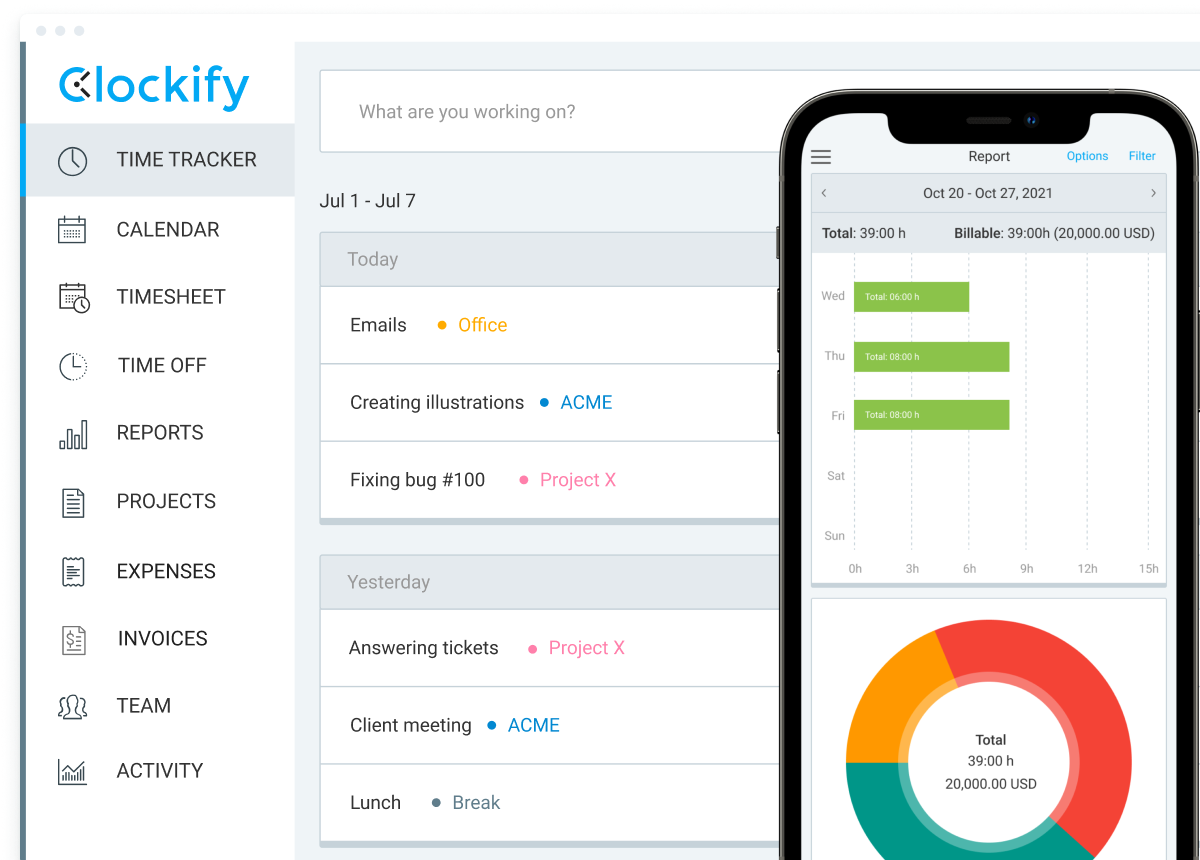
What Clockify does well
- Lowest entry point for a combined time tracker and billing tool
- A strong time tracker on the free plan, with auto-tracking and idle detection included
- Organises billable and non-billable work by setting up different rates
Where Clockify falls short
- Billable rates, rounding, and invoicing are all paywalled
- You hit the paywall as soon as you need to bill your first client
- No invoice payment processing or automated status management
- No proposals, contracts, or client portal, so you will pay for extra tools in your stack
Toggl
| Starting price | Free, then $10/user/month |
| Free trial | Yes, 30 days |
| Best for | Consultants with a small team focused on productivity |
Toggl is one of the best time tracking tools for small teams. It has strong tools for tracking productivity, capacity, and profit.
While the free plan offers time tracking across desktop, web, and mobile, PDF invoice creation, and calendar integrations, it has the same problem as Clockify. As soon as you need to send an invoice to a client, you are going to need to upgrade to a paid plan.
Billable rates, time rounding, real-time project progress, and team-level productivity reports are available only on the Starter plan. Historical billable rates, which let you retroactively adjust or schedule future rate changes, are available only on the Premium plan.
With pricing set at the per-user level, a small team of three is already looking at $30 per month, or $60 if you want the premium features for team productivity and billing.
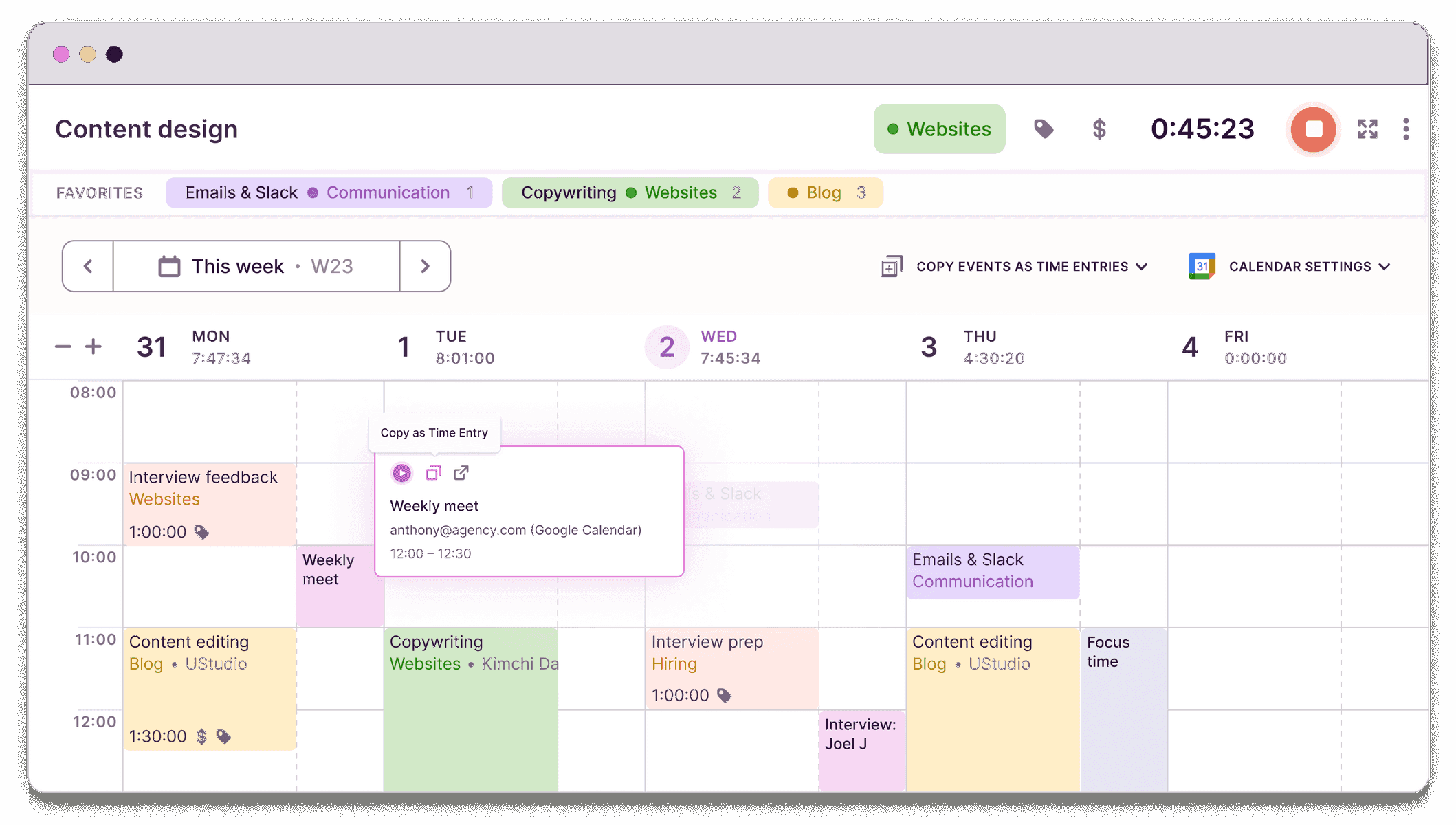
What Toggl does well
- Best-in-class automatic time tracker
- Billable rates at the workspace, project, member, and task level
- Revenue and productivity analysis
- Available on desktop, web, and mobile
Where Toggl falls short
- No invoice payment processing
- Invoicing is a one-off downloadable PDF, not saved or tracked, with no recurring invoices or payment status
- No proposals, contracts, or client portal, so scoping and client updates live elsewhere
- The strongest auto-tracking (desktop activity capture) is gated to Premium
Harvest
| Starting price | Free, paid plans from $11/user/month |
| Free trial | Yes, 30 days |
| Best for | Consultants who want native time-to-invoicing |
Of the three time-tracking tools, Harvest has the cleanest time-to-billing relationship.
It helps consultants turn hours into a payable invoice within the same tool. You do not need to export an invoice to send it, or use another tool to track payment status. All your invoices are native, and your client can pay with the click of a button.
Plus, you get all the billing features consultants need, like time rounding and billable rates.
Unlike Clockify and Toggl, you can access time tracking and invoicing on the free plan. But for your clients to actually pay you via invoice, you will need to upgrade to a paid plan starting at $11 per person per month.
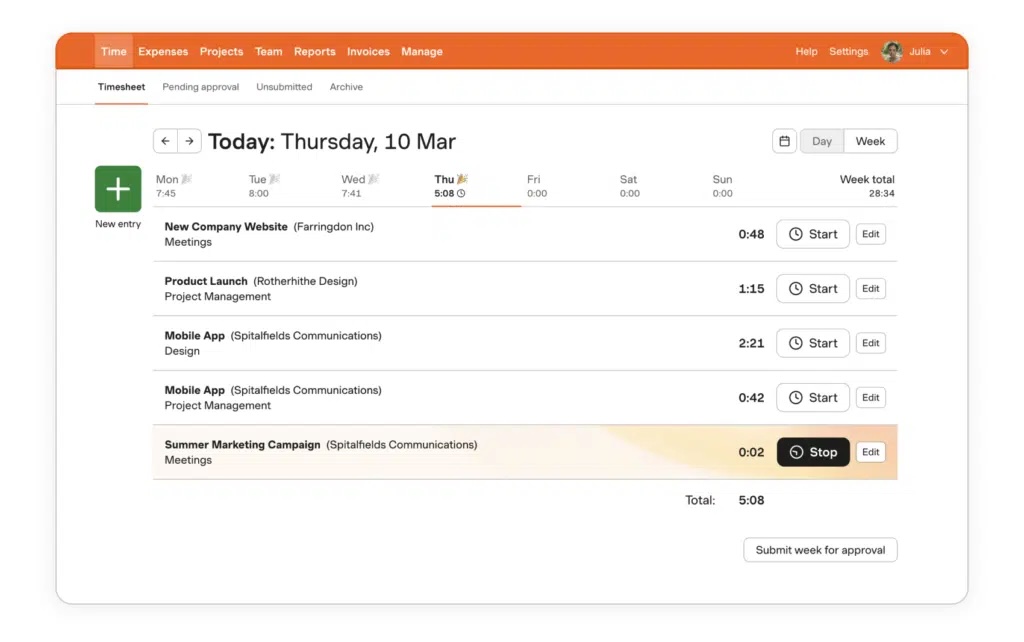
What Harvest does well
- Native invoicing and payment processing via Stripe
- Per-project and per-person billable rates, with rounding at the invoice stage
- Time tracking, invoicing, and expense tracking are available on the free plan
- Web, desktop, and mobile apps
Where Harvest falls short
- The free plan only includes one seat, two projects, and no payment processing, so it is closer to a free trial
- No automatic time tracking, so you need to remember to start the timer
- No proposals, contracts, or client portal
- Usage-based fees stack on top of the $11 base
Read more: Harvest alternatives for freelance consultants who have outgrown it
Which time tracker works best for consultants?
Choosing between Toggl vs Harvest vs Clockify comes down to your budget and how you want to build your workflow stack.
- If you want to spend as little as possible while you find your feet, start with Clockify. It is a decent time tracker, and the paid plan that adds invoicing software is the cheapest of the three. The trade-off is more manual work when it comes to sending invoices and chasing payments.
- If you have more budget and want better rate control that matches how you work, try Toggl. Just keep in mind you will still need a separate invoicing tool.
- If you want native invoicing and time tracking in one place, Harvest is the best of the three. However, it is the most expensive, and usage fees add to your monthly rate, making the price less predictable.
The problem with all three tools is that each one still bloats your workflow rather than streamlining it.
You will still need to bolt on other tools for managing leads, proposals, and contracts, leaving you with a higher monthly bill and a more manual workload.
The solution?
Invest in an all-in-one business operating system like Kiaro, built for consultants. It is one tool with everything you need to run your consultancy from lead to paying client: time tracking, native invoicing, contracts, proposals, a client portal, and a CRM to manage the whole client relationship.
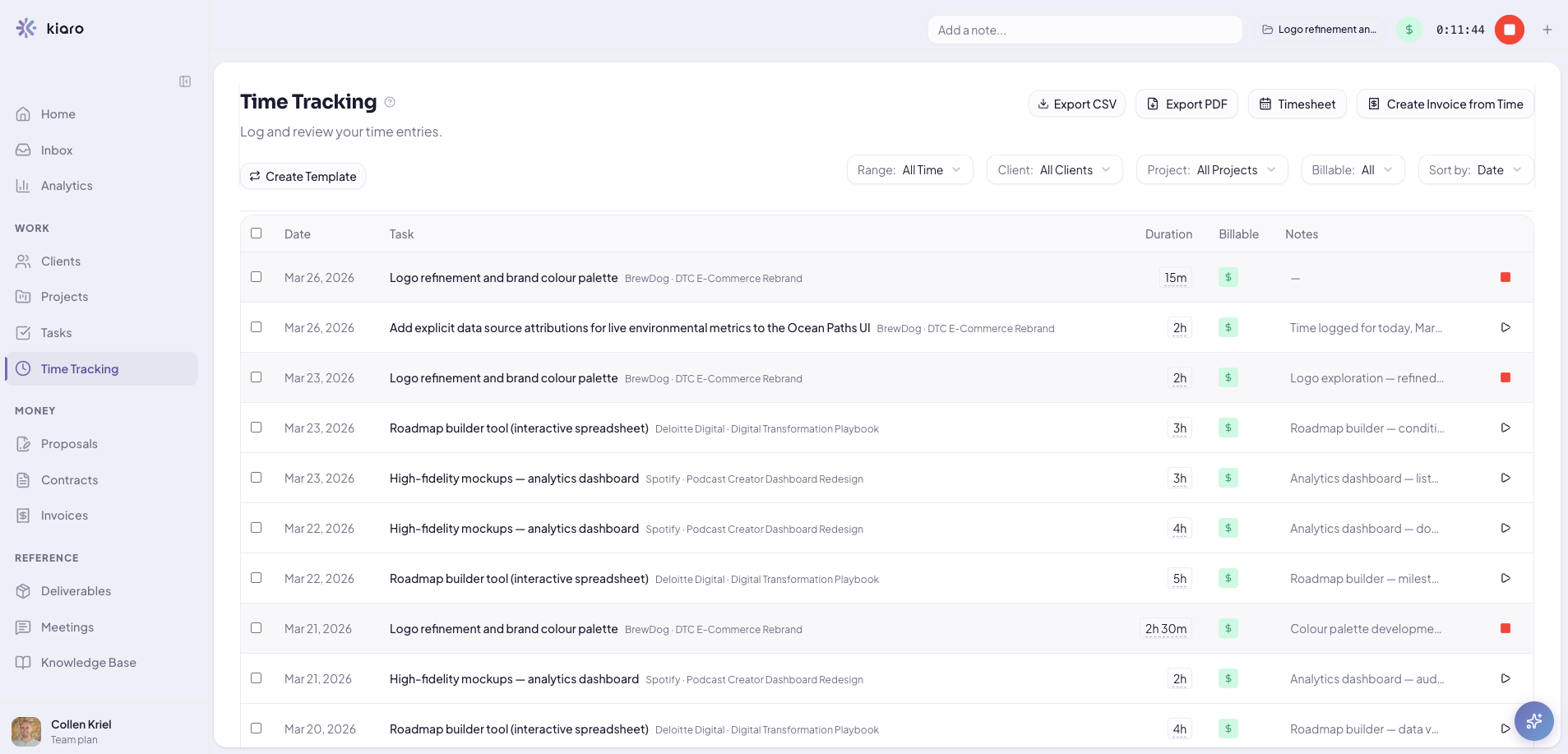
Plus, the free plan gives you the whole workflow with no time limits, including unlimited invoices, projects, and retainers. You upgrade when you want your own branding, Xero accounting, or more than three active clients.
At $29 per month, it is still cheaper than a six-tool tech stack. The trade-off is that Kiaro is newer to the market and has fewer integrations at the moment.
Curious to see how Kiaro works? Explore the interactive demo or sign up for a free account today.
Frequently asked questions
Does Toggl, Harvest, or Clockify handle recurring or retainer billing?
Clockify supports recurring invoices on its Standard tier and above. Harvest handles recurring invoicing as part of its native billing. Toggl does not invoice at all, so recurring billing would happen in whatever separate invoicing tool you pair it with.
Which integrates with accounting software like QuickBooks or Xero?
Clockify includes a QuickBooks integration from its Standard tier. Harvest connects to QuickBooks and Xero as part of its accounting integrations. Toggl integrates with over 100 tools and can push data to accounting platforms.
Can a solo consultant use Toggl, Harvest, or Clockify for free forever?
No, a solo consultant will quickly outgrow the free plans for all three tools. Clockify and Toggl only let you access billable rates and invoicing on a paid tier. Harvest does not let you accept payments via invoice until you upgrade either.